
Your AI, Out of the Browser
The first AI device that sees your screen, hears your voice, and gets things done.
Top Features
AI for Real Tasks
Voice and touch-enabled. Built to get things done, not just talk about them.
Meetings, Handled.
Press record. Get notes with action items, deadlines, and follow-ups, nothing you didn’t ask for.
Your Day, Optimized.
Learns how you work. Auto-schedules follow-ups, blocks deep work time, and nudges you when it matters.
Tasks, Done.
Book flights. Draft emails. Edit spreadsheets. Just ask out loud, like you would a human assistant.
Productivity, Supercharged.
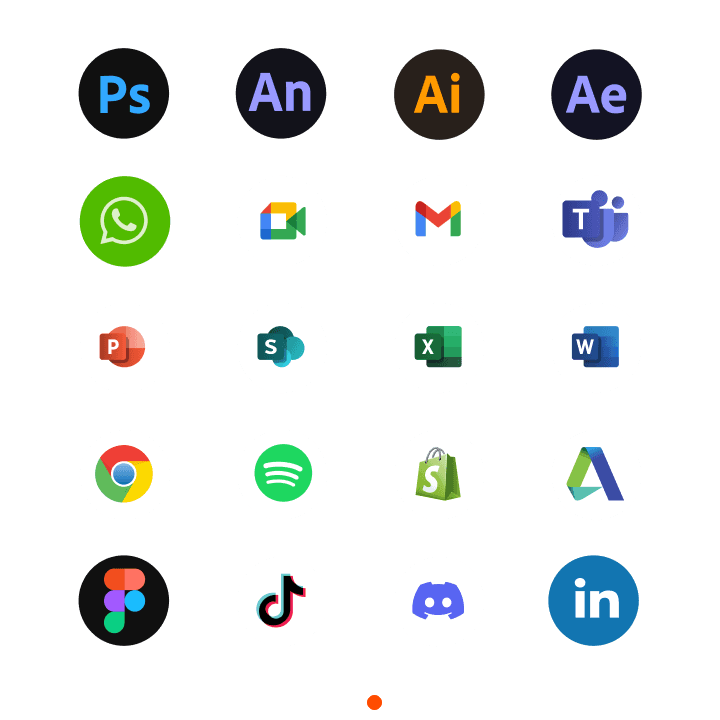
Shortcuts, hotkeys, and a built-in focus timer. Integrates with PowerPoint, Excel, Premiere Pro, Photoshop, and more. Let AI handle the tedious work while you stay in flow.
Meet Radius ONE
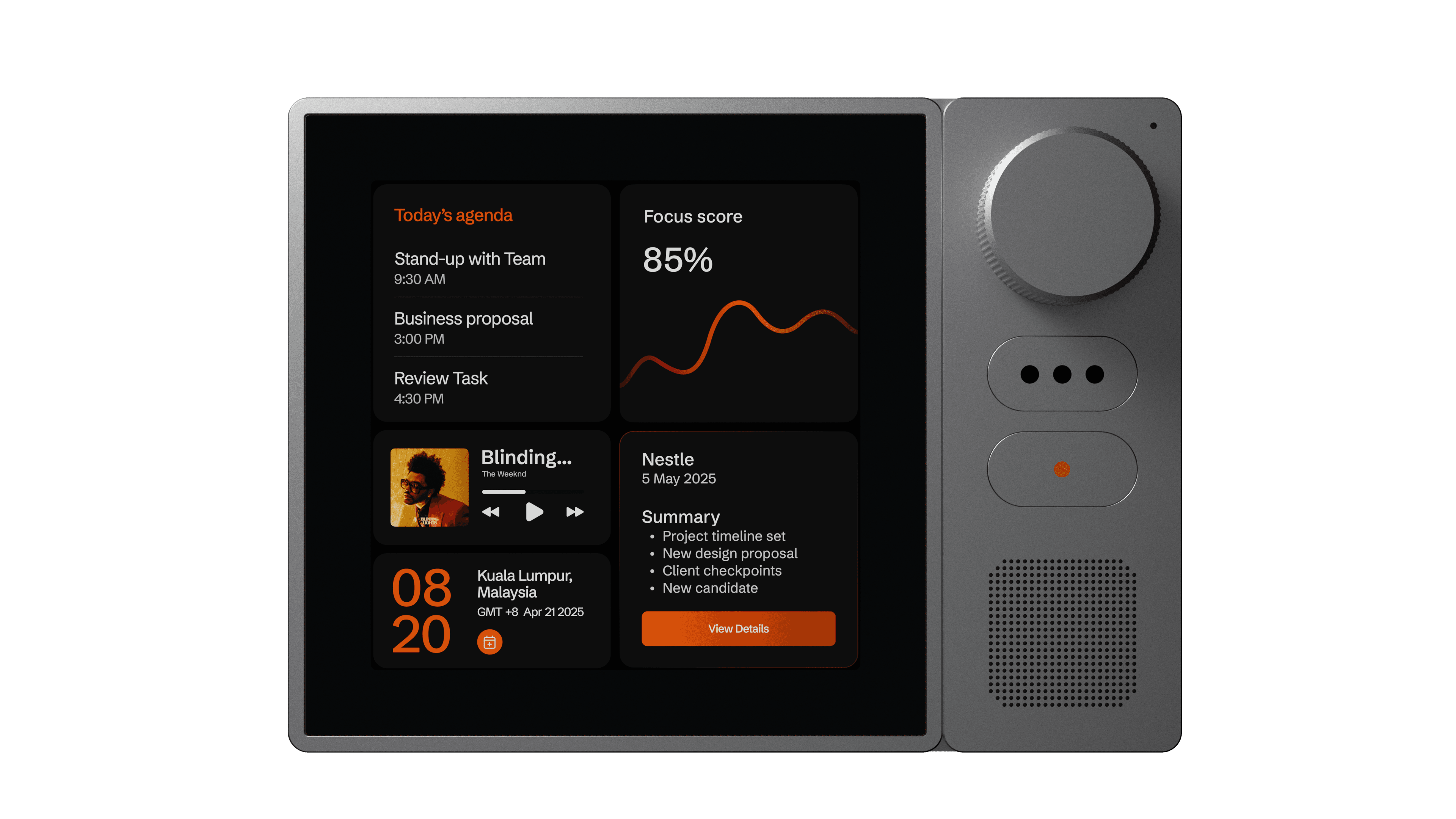
Screen -aware AI that works alongside you.
Designed for
how you actually work
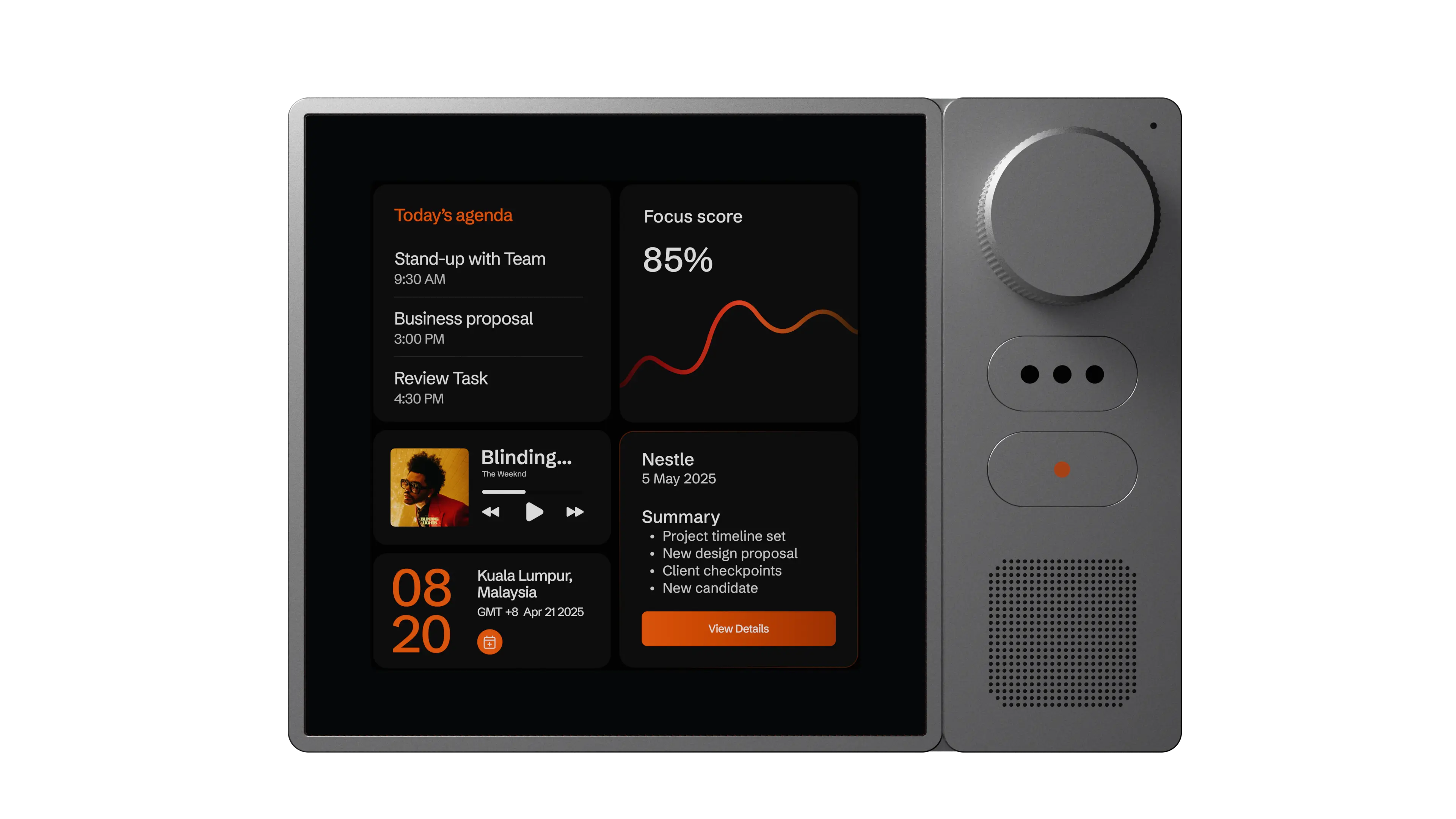
Voice-activated. Lives on your desk. Always ready to listen, think, and act. It sees what you’re working on, understands your intent, and carries out tasks, without you lifting a finger.
how it works
Radius ONE combines voice, screen awareness, and intelligent action, effortlessly.
01
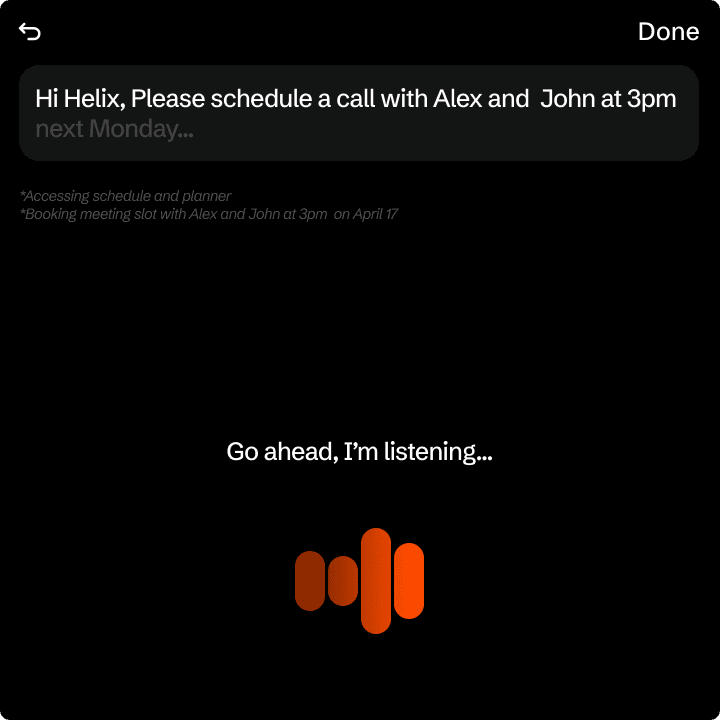
Speak, Naturally
Say what you need. Radius ONE listens and understands in real time.
02
Understands Your Screen
It sees what’s on your computer and responds with full context.
03
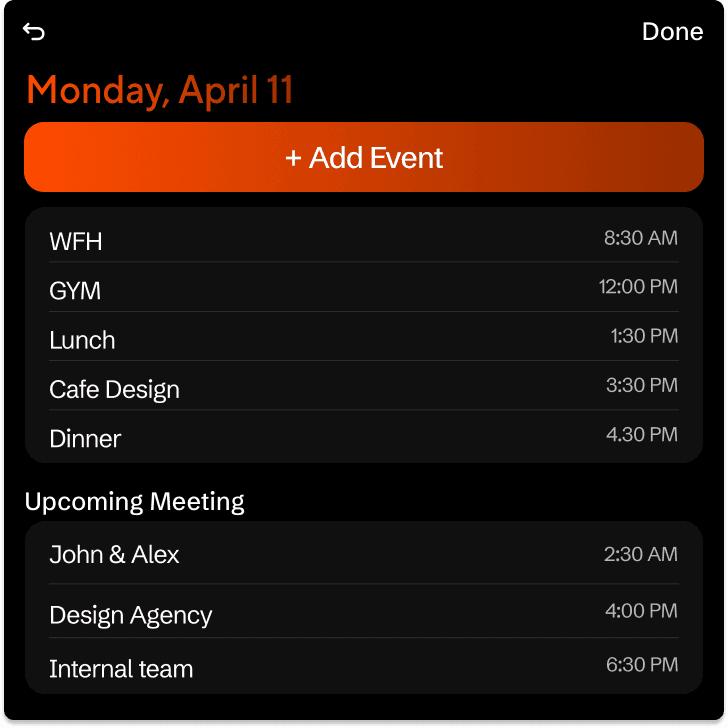
Gets it done
Takes action across your apps, from organizing files to drafting emails, hands-free.
Adaptive Intelligence
Abu Dhabi, UAE
Reviews what’s on your screen, compares options, and builds a clear plan, all without switching tabs.
AgentHub
Choose from a library of ready-made AI agents for meetings, research, writing, studying, and planning, all optimized for Radius ONE.
Want something tailored? Build your own custom routines and automations.

The possibilities are endless, and they all live inside AgentHub.

Privacy & Security
Built around trust, transparency, and complete user control.
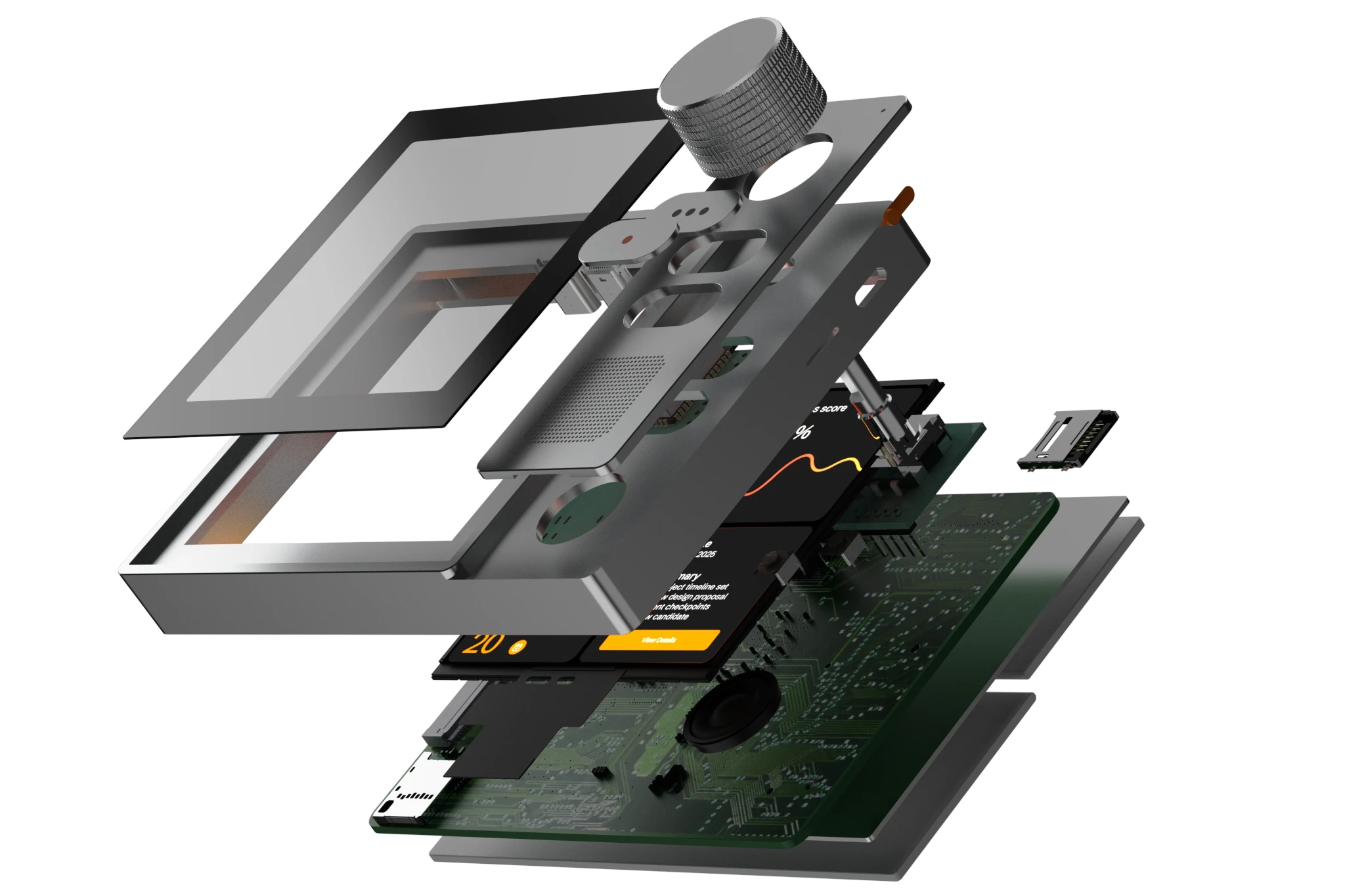
A screen-aware AI assistant should respect your privacy — so Radius ONE is designed to protect it at every step.
Getting Started
Make your day easier in 3 steps

01
Connect with USB-C
Radius ONE links directly to your computer. Instant, reliable control.
02
Download & open the companion app
Gives Radius ONE permission to understand what’s on your screen.


03
Speak naturally
Say what you need. Radius ONE takes action inside your apps
Compare
Why not just use a chatbot?
Most AI tools generate text. Radius ONE sees your screen, understands context, and takes real action, like a human assistant sitting next to you.

faq
Here’s everything you might want to know before bringing Radius ONE to your desk.
No spam. Just early access and updates from the team.